



How to file VAT Returns in UAE using TallyPrime

After the introduction of VAT in 2018, businesses in the UAE are required by law to maintain precise records and file VAT returns to the Federal Tax Authority (FTA). For many companies, this process appears complex. Especially when managing different invoices, expenses, and changes to track.
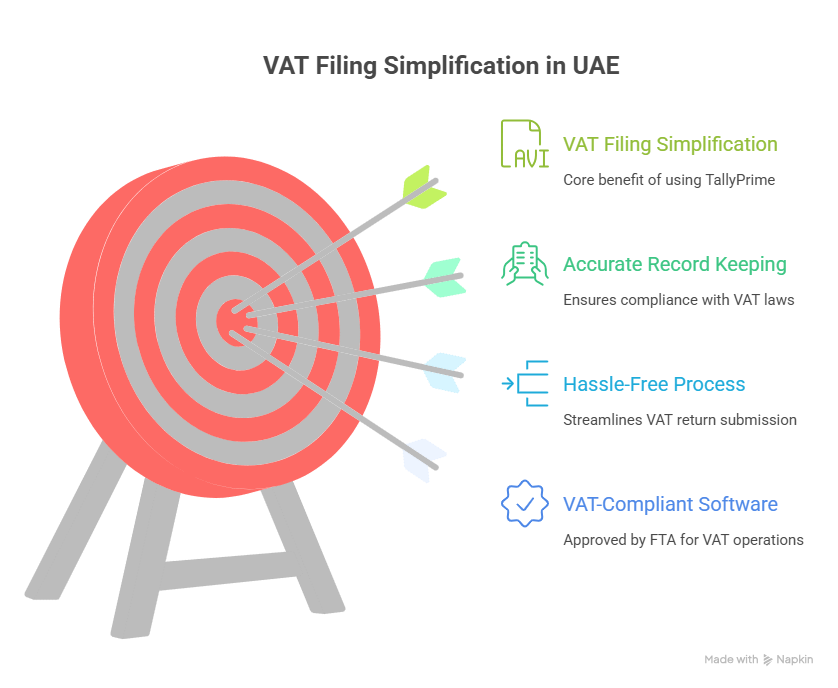
That’s where TallyPrime comes into play. TallyPrime, approved by FTA as VAT-compliant software, streamlines VAT return filing, guaranteeing accuracy and ease. This guide will detail exactly how VAT filing works in the UAE using TallyPrime.
Step 1: Confirm VAT Is Activated in TallyPrime
VAT needs to be set up in your company settings prior to generating returns.
- Open you company in TallyPrime.
- Navigate to F11: Features > Statutory & Tax.
- Activate VAT and provide your TRN (Tax Registration Number).
- Select UAE VAT as your taxation method.
- Establish tax rates according to your business category (5%, 0%, or tax-exempt).
After completion, TallyPrime will automatically apply VAT to every invoice, purchase, and credit note.
Step 2: Accurately Document All Transactions
VAT returns depend on accurate data input. In TallyPrime, you can:
- Generate sales invoices that comply with VAT requirements, including customer TRN, invoice number, and VAT details.
- Record purchase invoices along with supplier TRN and reclaim input VAT.
- Accurately record zero-rated and exempt supplies.
- Manage reverse charge transactions where applicable.
Pro Tip: Consistently verify entries with FTA standards to prevent inconsistencies.
Step 3: Create the VAT Tax Calculation Report
After transactions are recorded, TallyPrime automatically generates a VAT Computation Report, detailing:
- Output VAT (gathered from sales).
- Input VAT (paid on acquisitions).
- Changes such as reverse billing.
- Total VAT owed or to be reimbursed.
To view it:
- Go to Gateway of Tally > Display More Reports > Statutory Reports > VAT Reports.
- Select VAT Return.
- Review the summary carefully.
- This gives you a complete picture of your tax position before filing.
Step 4: Export VAT Return in FTA Format
The FTA mandates that VAT returns must be filed in their designated format. TallyPrime is created to produce this automatically.
- On the VAT Return screen, select Export.
- Select the FTA format (Excel or XML as needed).
- Store the document on your device.
Your VAT return is now prepared for direct upload to the FTA e-Services portal.
Step 5: Submit VAT Return on the FTA Portal
- Access the FTA e-Services Portal by logging in at https://eservices.tax.gov.ae.
- Submit the return file created by TallyPrime.
- Review the summary of returns thoroughly.
- File the return and pay any outstanding VAT.
That’s it. your VAT return has been submitted accurately and on time.
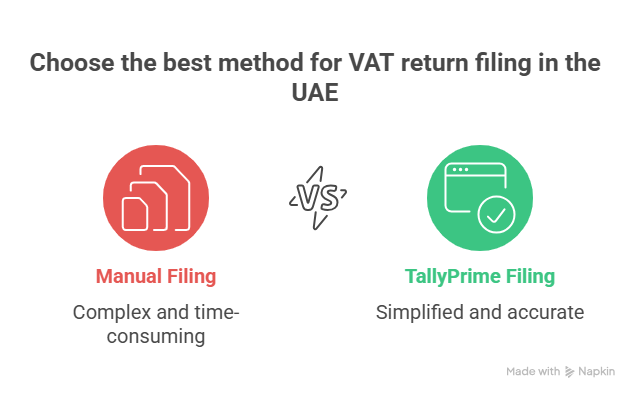
Why Use TallyPrime for VAT Filing?
Many businesses still try to manage VAT manually, but this increases the risk of errors and penalties. With TallyPrime, you benefit from:
- FTA-approved structure – Returns generated precisely as required by law.
- Accuracy – Automated VAT computation reduces human error.
- Time efficiency – finishing paperwork in minutes rather than hours.
- End-to-end compliance – All aspects are addressed, from invoicing to reporting.
- Scalability – Suitable for startups, medium-sized companies, and major corporations.
Final Words:
Submitting VAT returns in the UAE can be stress-free. Using TallyPrime + TSS allows you to maintain compliance, save time, and prevent expensive errors.
If you’re still submitting VAT by hand or relying on old software, it’s time to make a change. TallyPrime keeps your business prepared for the upcoming return cycle—precise, compliant, and effortless.
Renew your Tally Software Services (TSS) regularly to keep your software updated with the latest VAT formats and FTA requirements.
Business Tip: Always verify your VAT reports in TallyPrime prior to exporting. A brief assessment today prevents FTA questions later.
Get in touch!
Matrix Technologies – Authorized Tally Partner in UAE
📍 Dubai, UAE
📧 Email: sales@tallyprimeerpsoftware.com
📱 Call/WhatsApp: +971-54-586-3379
🌐 Website: www.tallyprimeerpsoftware.com
Stay compliant and stress-free—renew your Tally Software Services (TSS) today and let TallyPrime handle your VAT returns effortlessly!